
THE iPHONE & iPAD BETA
LEVELATE
Clearer dialogue.
Right on your device.
Give your audio and video a more balanced voice.
Try LEVELATE early, and help us make it better.
iPhone and iPad · iOS / iPadOS 17 or later
Audio processing stays on your device.
A look insideFROM CLIP TO CLEARER DIALOGUE
Your recording. A better balance.
Import a clip, enhance the spoken audio, and hear the difference for yourself.
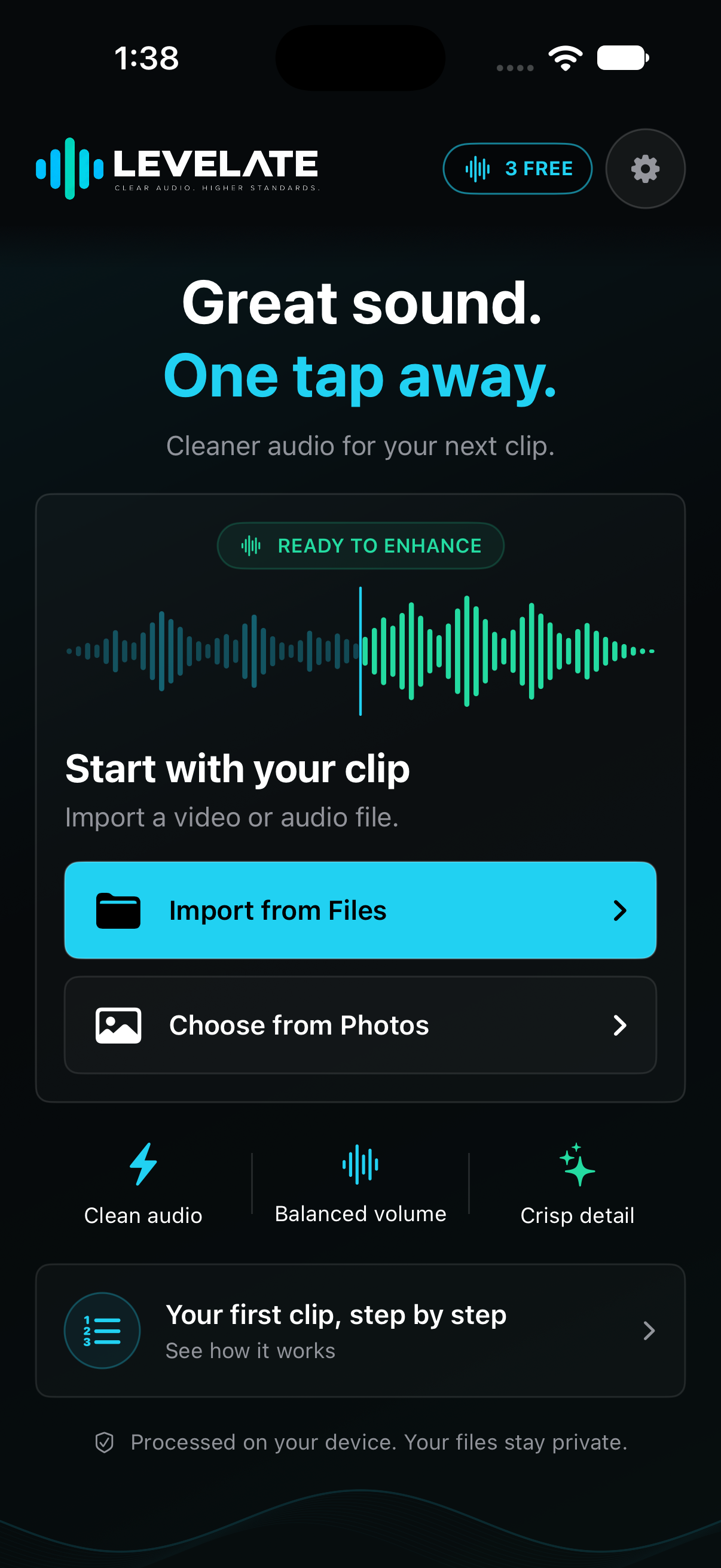
Start with your clip
Choose audio or video from Files, or a video from Photos.
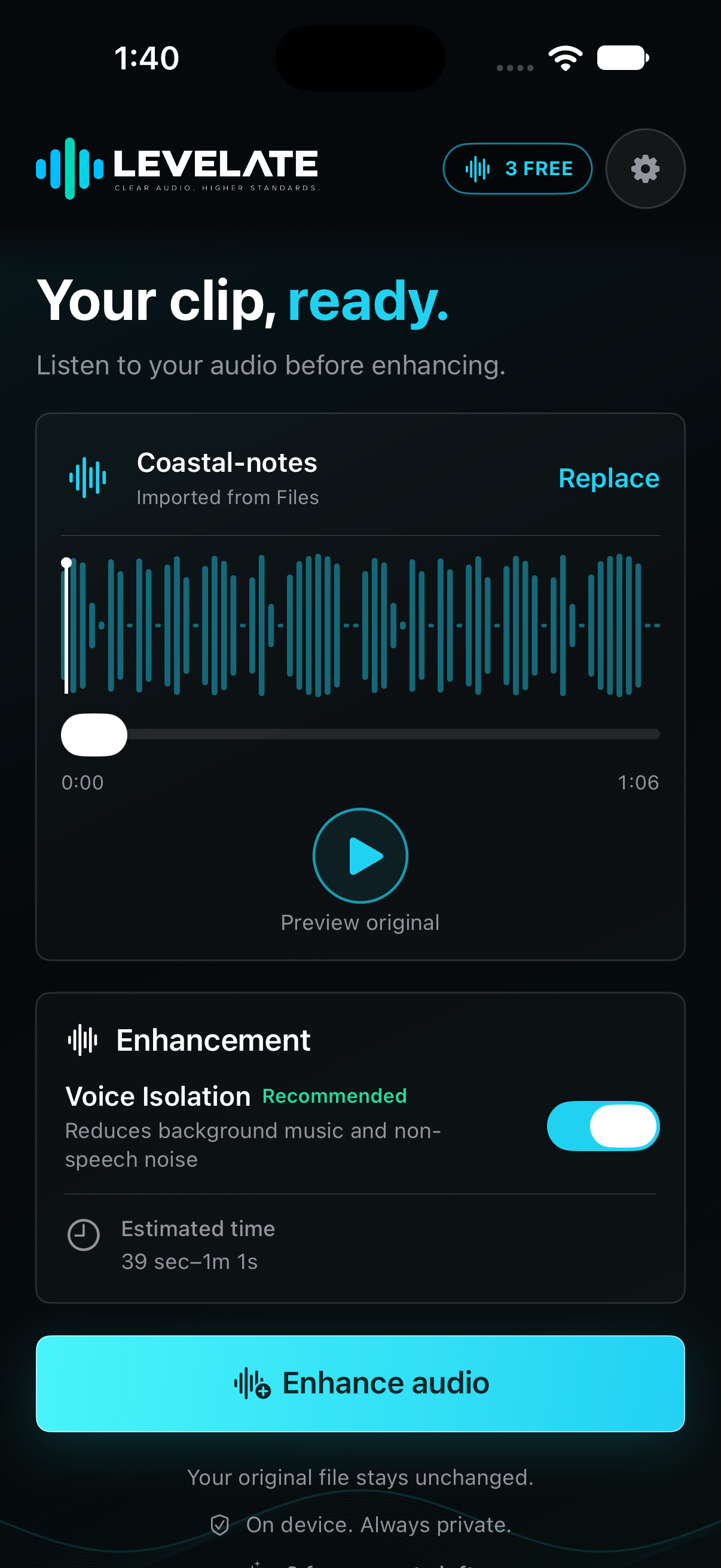
Bring speech forward
Optional Voice Isolation helps reduce background noise.
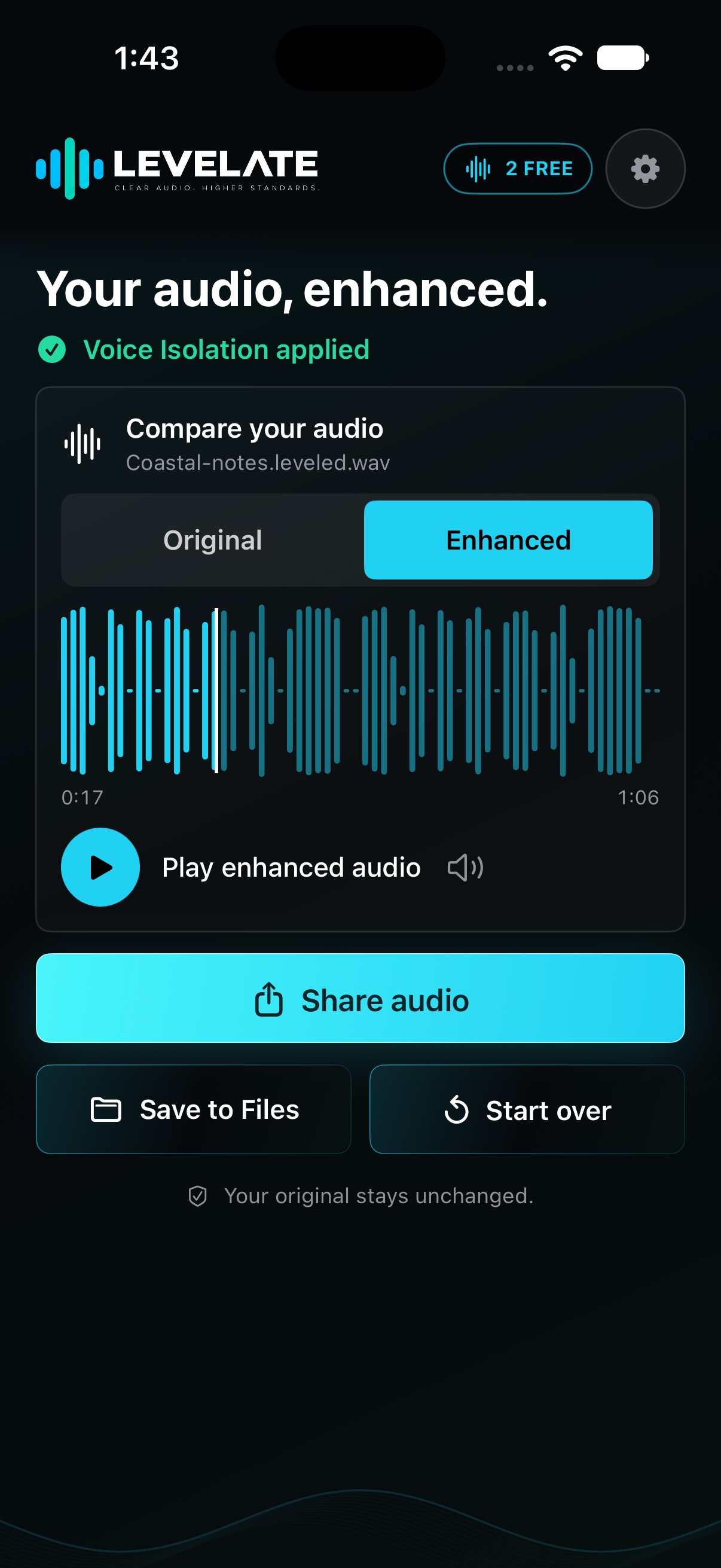
Hear both versions
Compare Original and Enhanced before sharing your result.
Actual app screens. The beta may change as we improve it.
COME TEST WITH US
A few taps, and you’re in.
- 1
Get TestFlight
Install Apple’s TestFlight app on your iPhone or iPad.
- 2
Accept the invitation
Open the LEVELATE invitation , then follow the steps in TestFlight.
- 3
Try a recording
Keep your original clip, try an enhancement, and send feedback through TestFlight.
Is this the finished app?
Not yet. This is a beta, so bugs and unfinished behavior are possible. Keep copies of important recordings. Background processing speed and system progress indicators are still being tested.
What does the beta include?
Audio and video import, spoken-word leveling, optional Voice Isolation, Original/Enhanced comparison, and sharing or saving processed files. Available features depend on the build and your access. AI Recovery is not available in the iOS beta.
Does my audio go to a server?
Audio enhancement runs on your device, without uploading your recordings for processing. Sign-in, purchase verification, and profile sync use online services. Apple handles TestFlight diagnostics and any beta feedback you choose to send. Read the privacy policy.
What if the beta is full or unavailable?
TestFlight shows the current availability and device requirements. If you can’t join, check back later or contact LEVELATE support. Joining does not guarantee access to a particular build.
Available through Apple TestFlight. Places may be limited.